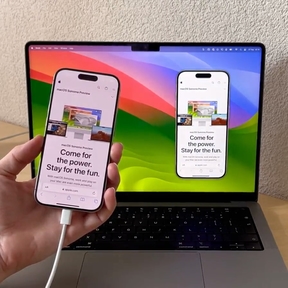
Bezel 4.0 introduces wireless mirroring! The most requested feature since we started. Mirror your iPhone or iPad to your Mac without any cables.


Mathijs Kadijk, Tom Lokhorst
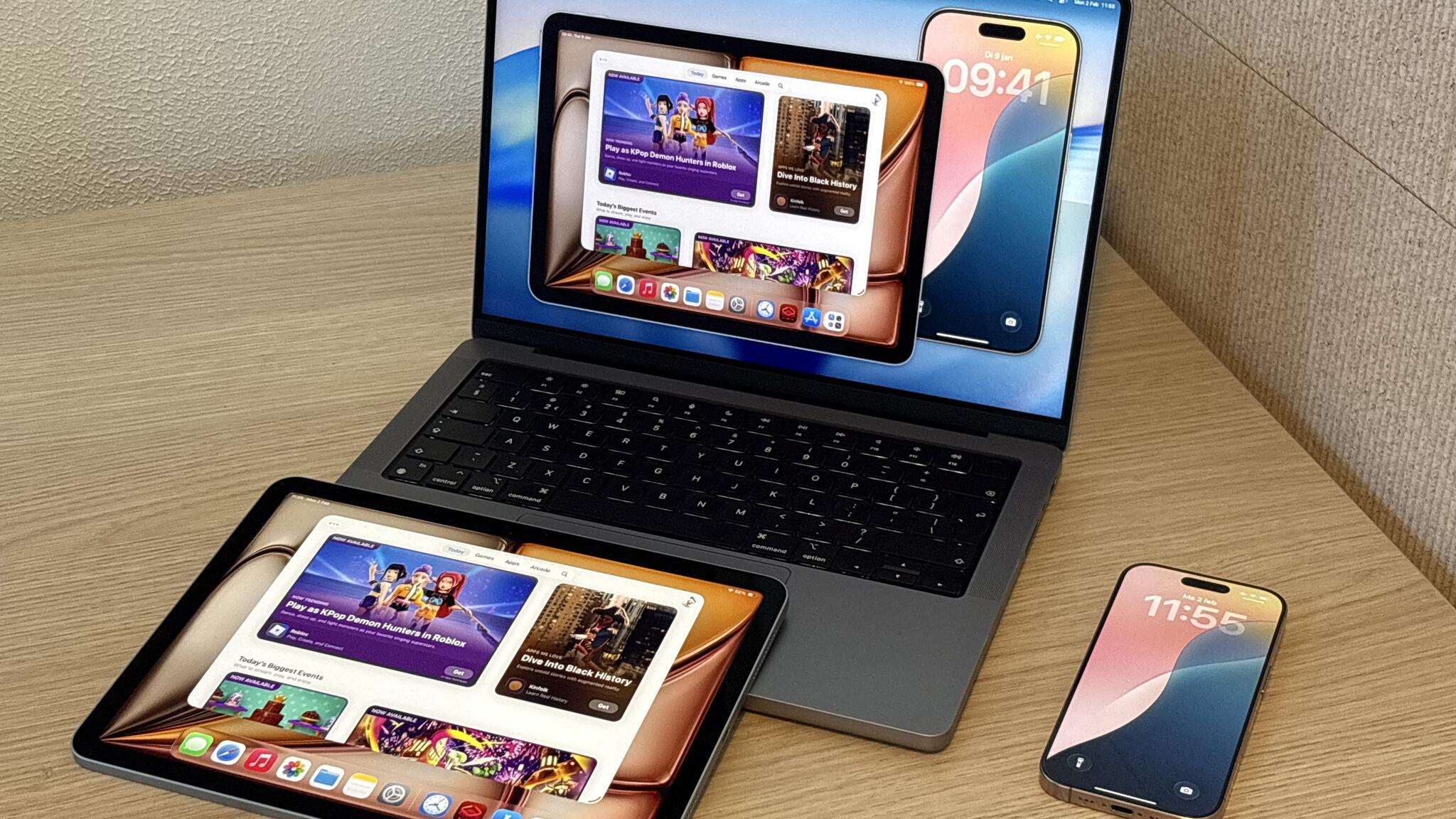
Wireless mirroring is something we've wanted to build for a long, long time. It wasn't easy to get right, but it was awesome to build and we're really happy it's finally out there.
You can now walk around the room during a presentation, stand in front of a big screen, or pass the device around while everyone still sees what's happening. Wireless mirroring supports real-time video, screenshots, and full screen mode. Recording and audio support are coming in a future update.
Open Bezel, click "Connect an iPhone" and choose the wireless option. We'll guide you through the setup. Once configured, your Mac appears as an AirPlay destination. From your iPhone, swipe to Control Center, tap Screen Mirroring, and select Bezel. Your device appears on your Mac instantly.
With Apple's iPhone Mirroring in macOS Sequoia, more people than ever know that mirroring is possible. With Apple's solution primarily designed for quickly interacting with your own iPhone without picking it up. Bezel is built for presenting and sharing:
Bezel has a free trial. You can download the app from our website or the Mac App Store. There also is a Press Kit available if you want to write about this Bezel release.

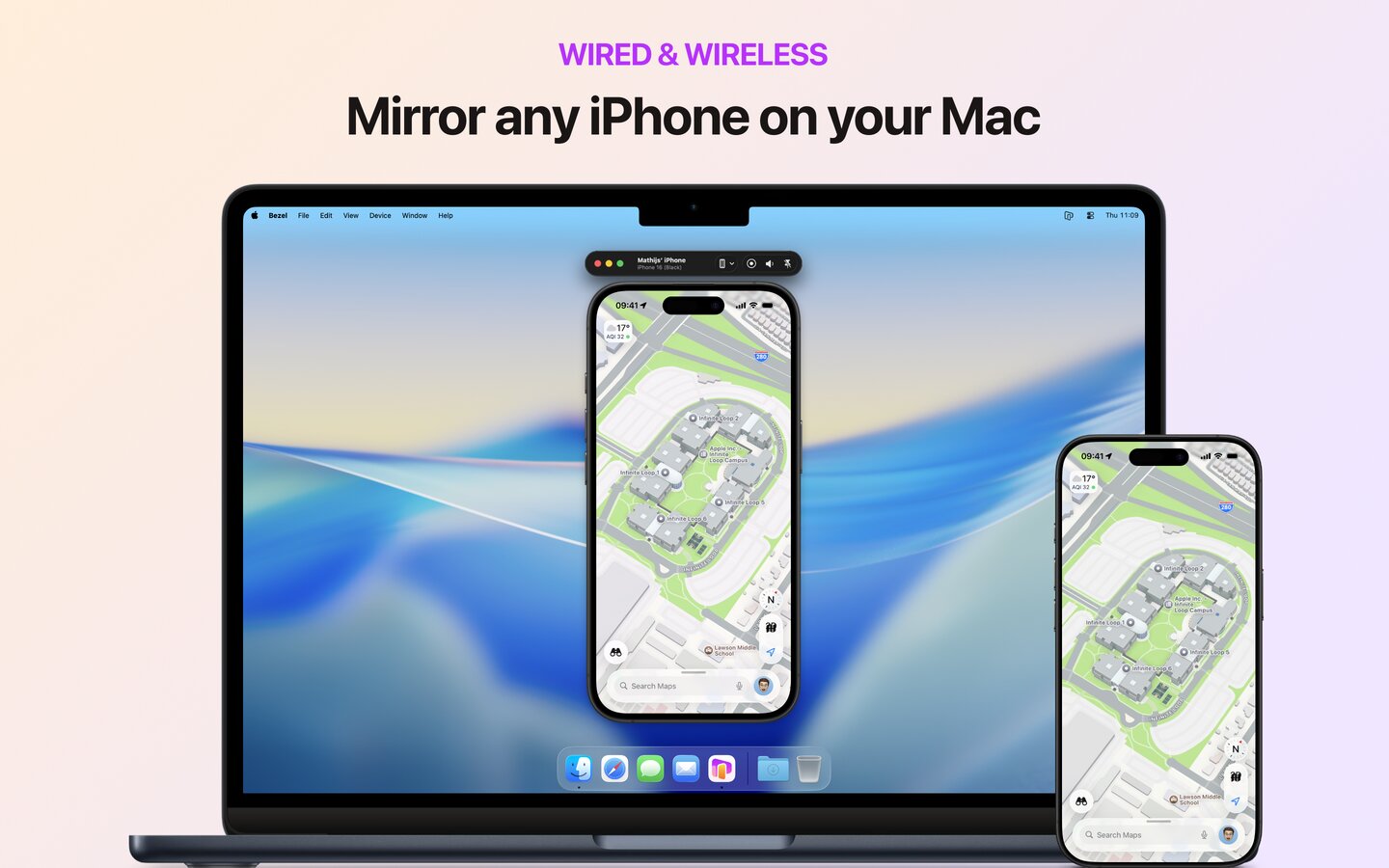
Perfect for app demos & presentations; Simply plug in an iPhone or wirelessly mirror it to your Mac.